Google Easter Eggs
Looking for a fun screen time activity that feels a little like a scavenger hunt? This Google Search Easter Eggs Printable gives kids, families, and even teachers a playful list of hidden Google surprises to try. Just type the search terms into Google and see what happens. Some make the screen spin or tilt, some open games, and some bring up fun little tools right in the search results.
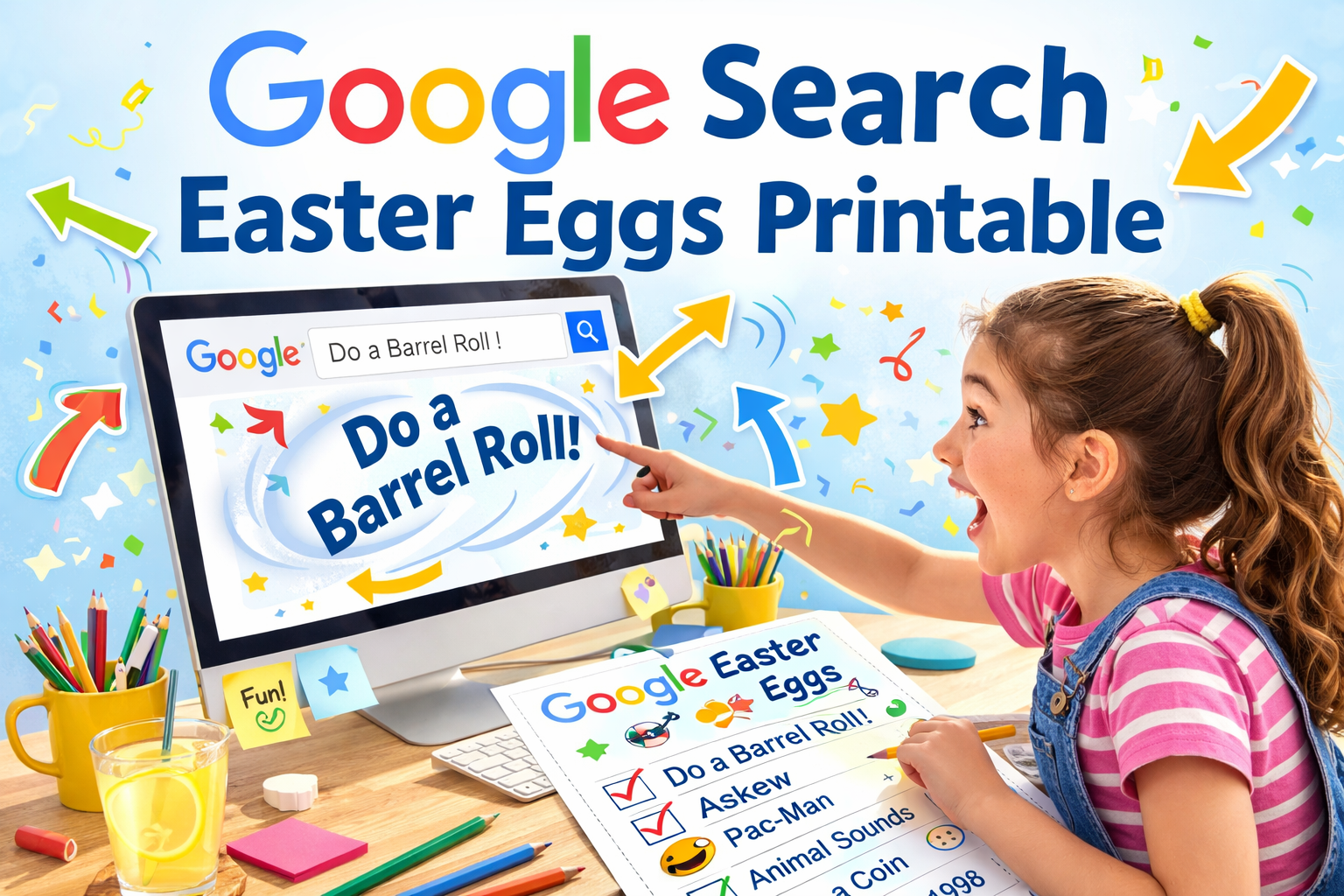
This is a great activity for older kids who enjoy technology, parents looking for a rainy day idea, or teachers who want a light classroom activity with a digital twist. You can print the list, check off the ones you try, and see which surprises are your favorites.
Supplies
- Printed Google Search Easter Eggs list
- Computer, tablet, or other device with internet access
- Printer
- Pencil or marker for checking off results
Instructions
- Print out the Google Search Easter Eggs list.
- Sit down at a computer or tablet and open Google Search.
- Choose one search phrase from the printable and type it exactly as shown.
- Watch to see what happens on the screen.
- Check it off on your printable after you try it.
- Keep going until you have tested all of the search terms you want to explore.
- Kids can also sort their favorites into groups like funny effects, games, or useful tools.
Fun Facts
- Google Easter eggs are hidden surprises built into search and other Google features.
- Some Easter eggs create visual effects on the page, while others open games or interactive tools.
- A few Easter eggs have been around for years, while others may only appear for a limited time.
- Trying them out can feel like a mini internet scavenger hunt.
Popular Google Search Easter Eggs to Try
Some Google Easter eggs stay around for years, while others come and go. A few of the best-known search tricks include the following. Google has long included hidden features like these across Search and other products.
Do a Barrel Roll
Type do a barrel roll into Google Search and the page spins in a full circle. This is one of the most famous Google Easter eggs and has been around for years. It is a fun one to show kids because the effect is instant and silly.
Askew
Search askew and the search results page tilts slightly. It is a small effect, but that is part of the joke. Kids often love the surprise of seeing something look just a little off.
Google in 1998
Type Google in 1998 to see a retro-style version of Google inspired by the early days of the search engine. It is a fun way to show kids how websites used to look compared to the modern internet. This one can also spark a conversation about how much technology has changed.
DVD Screen Saver
Search DVD screensaver on desktop and the Google logo bounces around the screen like an old DVD player screen saver. This one especially appeals to adults who remember it, but kids usually get a kick out of waiting to see where the logo will bounce next. A recent entertainment article noted that this effect works on desktop devices.
Flip a Coin and Roll a Die
Search flip a coin or roll a die and Google gives you a built-in randomizer. These are simple but useful and can be turned into easy classroom activities, game helpers, or decision makers at home.
Animal Sounds
Search animal sounds and Google shows a list of animals with sound buttons you can press. This is a great one for younger kids and preschoolers who are learning about animals.
Breathing Exercise
Search breathing exercise and Google may show a short guided breathing activity. This one is more calming than silly, and it can work nicely as a quiet reset during the day.
Pac-Man
Searching Pac-Man can bring up a playable version of the classic game through Google’s Doodle library and search-related results. Google’s Doodles archive includes playable Pac-Man experiences, including special editions.
Google Snake
Search Google Snake to find the classic snake-style game. It is quick, easy to understand, and a fun pick for older kids.
Tic Tac Toe
Search tic tac toe and Google lets you play right in the results. This is one of the easiest Easter eggs to try because everyone already knows the rules.
Spinner
Search spinner and Google gives you a digital spinner. It can be used like a fidget toy, a number picker, or even a classroom choice tool.
Metronome
Search metronome and Google shows a working metronome tool. This is especially fun for music students or anyone practicing rhythm.
Zerg Rush
Zerg Rush was one of the most memorable Google Easter eggs, where little “o” letters attacked the search results. This feature is commonly listed as a classic Google Easter egg, but availability has changed over time, so it is best thought of as a famous historical example rather than a guaranteed current feature.
Atari Breakout
Atari Breakout became popular through Google Images, but this is another one that has changed over time and may no longer work directly in Google the way it once did. It is often included on lists of classic Easter eggs, though many older effects now live on through archives and fan recreations instead.
Cat Paw
Searching cat or cats has been reported to show a paw-print themed effect you can click to leave prints on the screen. This is one of those playful effects that may vary by device or region, but it is widely shared as a fun search surprise.
Wizard of Oz
The Wizard of Oz Easter egg was a special animated search experience tied to Dorothy’s ruby slippers. Google later retired it, but it remains one of the better-known themed effects and has been recreated by fan archive sites.
Thanos Snap
The Thanos Snap effect was a real Google Easter egg tied to Avengers: Endgame, where results disappeared in a dramatic animation. Google retired it, but it is still remembered as a fan favorite and has been recreated elsewhere.
Google Gravity
Google Gravity is another well-known classic often associated with clicking I’m Feeling Lucky or using mirrored fan recreations. It is best treated as a classic Google-style trick rather than a standard current Google Search feature.
Minecraft
Search interest around a Minecraft search minigame has circulated online, but this is one I would treat cautiously because availability can change and it is not as consistently documented as the long-running classics above.
Patterns, Templates and Printables
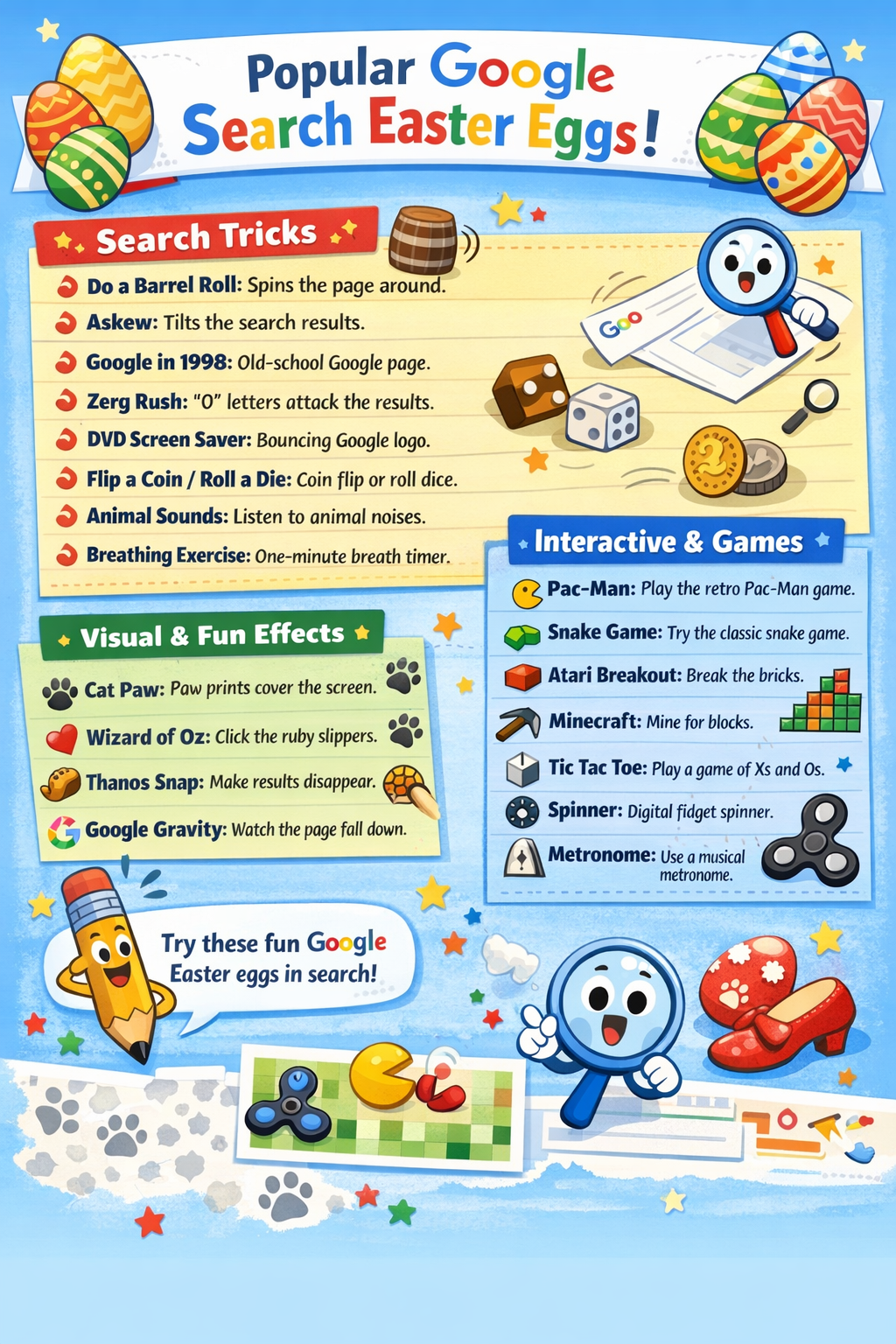
Print the Google Search Easter Eggs list and start exploring all the fun hidden surprises.
Teacher Friendly Educational Extension
This printable can be used as a simple digital literacy activity in the classroom or at home.
Have students test each phrase and record what happened. They can sort the results into categories such as game, visual effect, or tool. Students can also write a short sentence about which one they liked best and why.
For an added learning activity, ask children to predict what each phrase might do before they search it. This encourages observation, critical thinking, and discussion. It can also open up a conversation about how search engines work and how technology can be both useful and fun.